How do I change the colors of a fabric?
Yes, you read that right. At www.stoff.love you can have any fabric printed in your own colors. You can swap every single color of a pattern and get your dream fabric in exactly the shades that suit you.
But: never trust your screen!
On a smartphone, tablet or PC colors often look different than they do on the finished fabric. If you need a precise match, work with our printed color card. If a close match is good enough for you, just go ahead and have fun.
How to change the colors
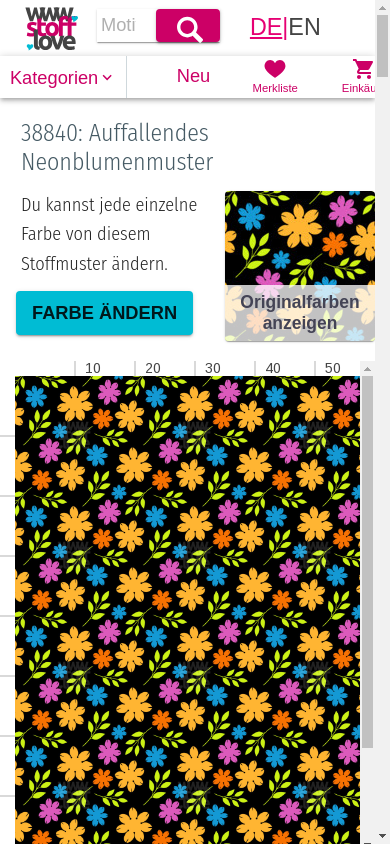
1. Tap “Change color”
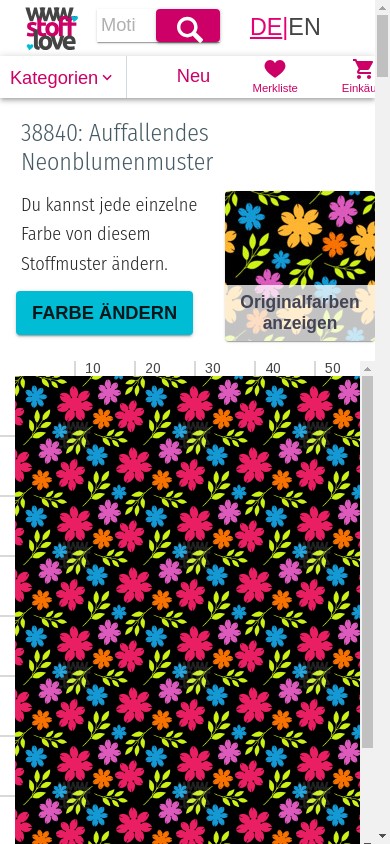
Open the pattern you would like to recolor. Right under the title you will find the “Change color” button. Tap it to open the Creative mode.
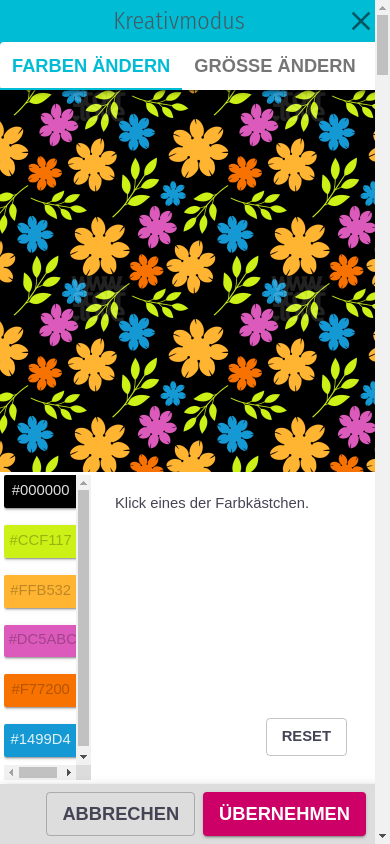
2. Pick a color from the pattern
The Creative mode shows a list on the left with every color used in your pattern. Tap the swatch of the color you want to change.
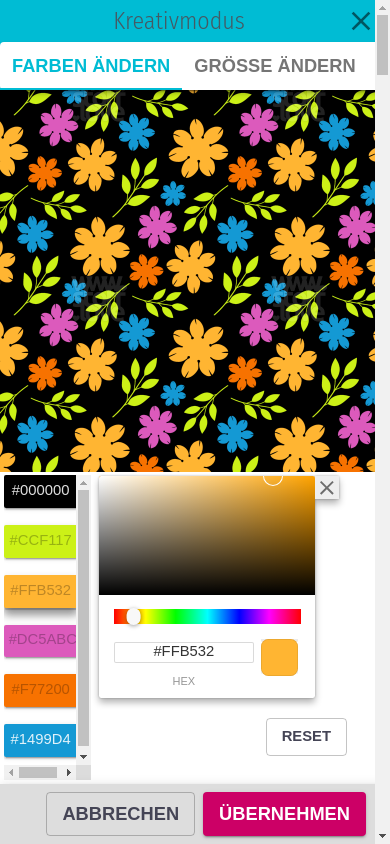
3. Choose your new color
A small color picker pops up. Slide the rainbow bar to the hue you want, then tap inside the field above to pick the brightness. Or simply type a color code (for example from your color card) into the field at the bottom.
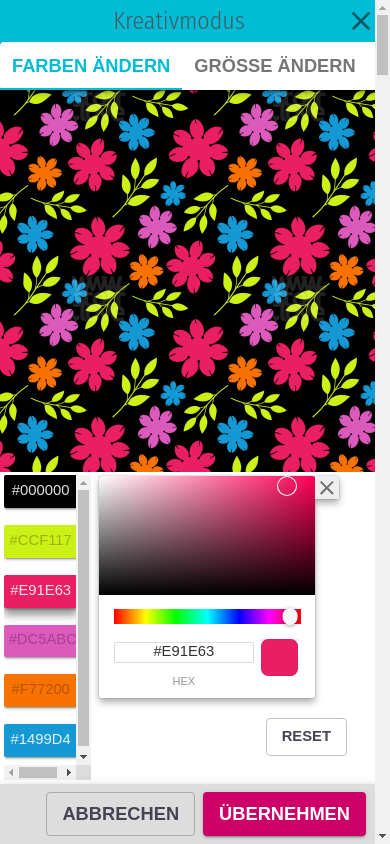
4. Check the preview
The preview at the top updates immediately and shows your fabric in the new color. You can change as many colors as you like in a row – just tap the next swatch.
5. Confirm with “Apply”
Once you are happy, tap “Apply” at the bottom. Your changes are saved and you go back to the fabric page – now in your colors.
Want to start over? Use the Reset button inside the Creative mode. Tap “Cancel” to discard your changes.
Compare original and new colors
Right next to the “Change color” button you will see a small card labelled “Reset Colors”. Tap it to switch back to the original colors. You can flip between your version and the original at any time.
How do I know what the colors will really look like?
Would you like to match your fabric to colors you already have at home – cuffs, plain fabrics, a wall paint or your sofa cover?
Then order our color card with more than 400 printed colors and color codes. Hold the card next to your reference, find the matching color and copy the code into the Creative mode. That way your fabric arrives in the exact shade that fits your existing things.
Coordinating different fabrics
Use the same color codes from your color card across several patterns. You will get fabrics that match perfectly – all from one piece. Your colors. Your fabric.